Game collection
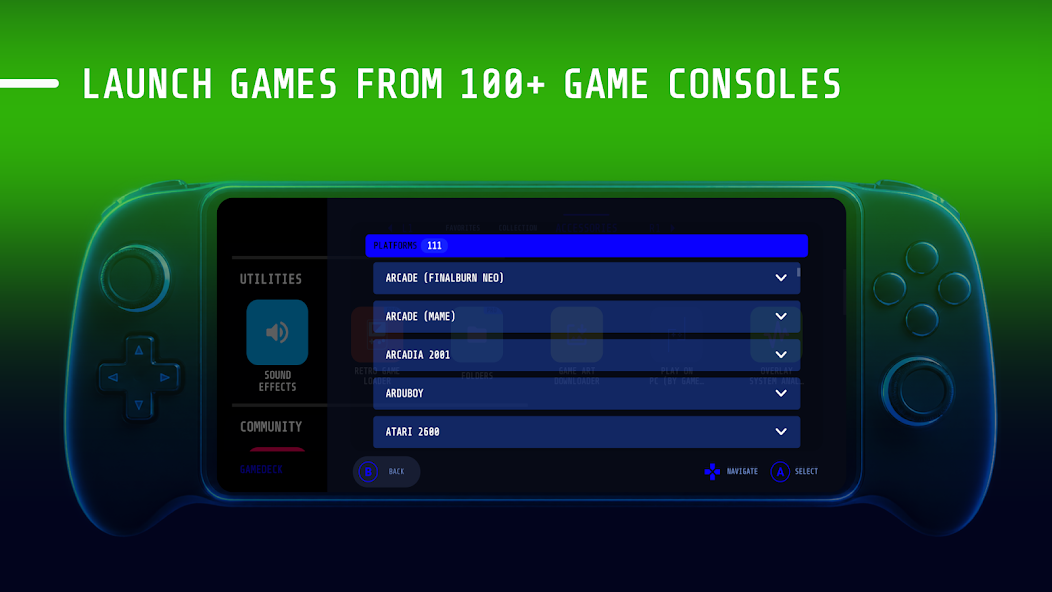
Organize games, ROMs, emulators and apps in a handheld console look. Supports 100+ game console platforms.
PSPPSVitaPS2PS3XboxPCSteamSwitchGameCubeWii3DSN64GBASNESDreamcast+100 More
Gamedeck app is the stylish game launcher that organizes your games, ROMs and emulators in a console-like interface, with full gamepad navigation and endless customization.
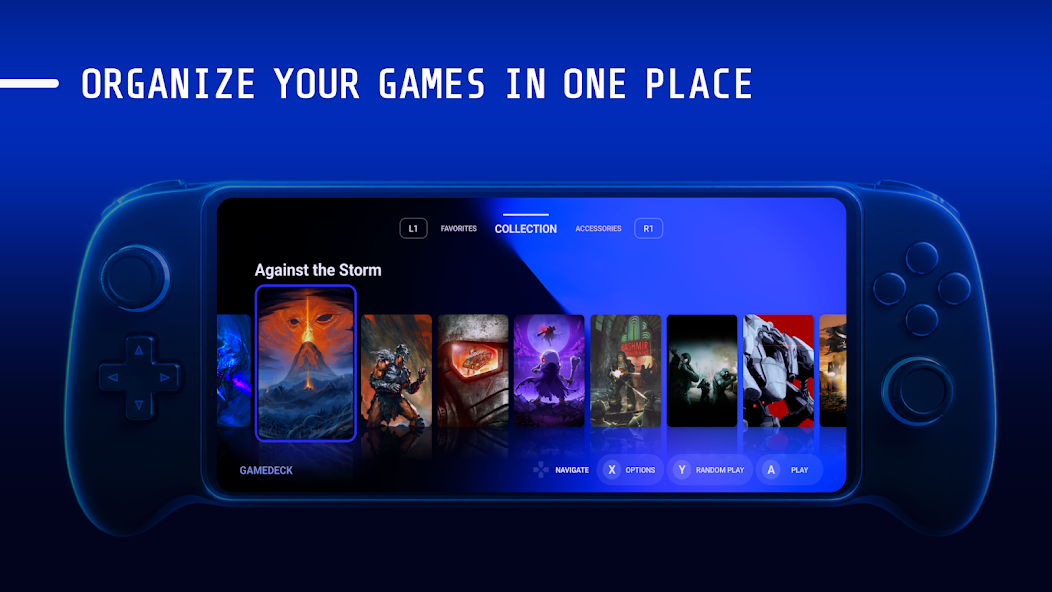
An Android frontend built by gamers, for gamers. Browse your whole collection like a real console.
Organize games, ROMs, emulators and apps in a handheld console look. Supports 100+ game console platforms.
Navigate the entire launcher with Bluetooth and USB gamepads. No touching the screen required.
Change layout, cover, banner, wallpaper, animation, dock, font, colors and style to make it yours.
Pick from predefined themes or craft your own and give your device a unique gaming identity.
Gamepad tester, folders, game art downloader and an overlay system analyzer for FPS, RAM, power and network.
Screenshot gallery.
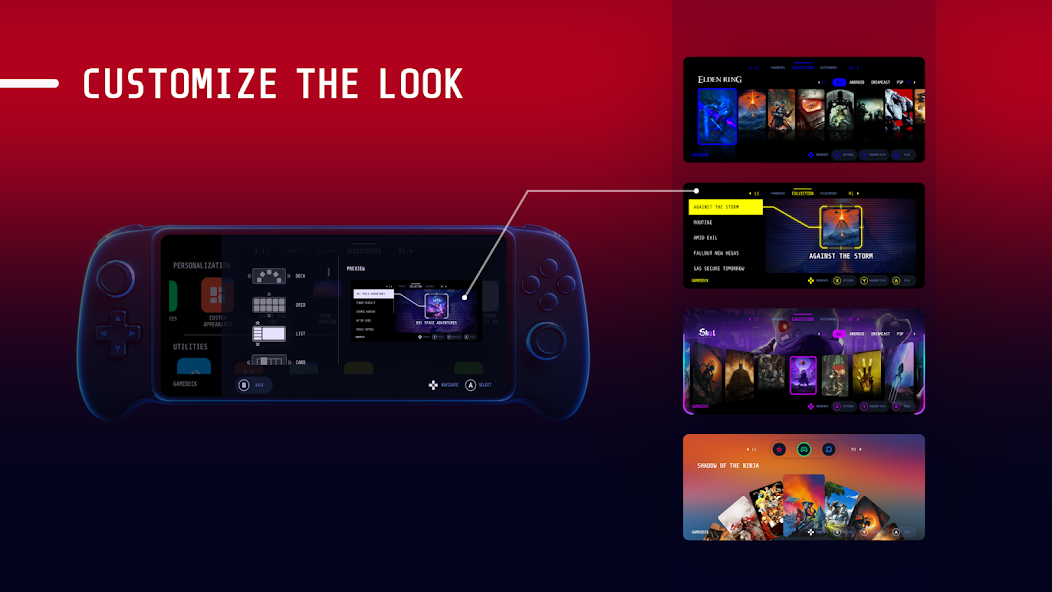
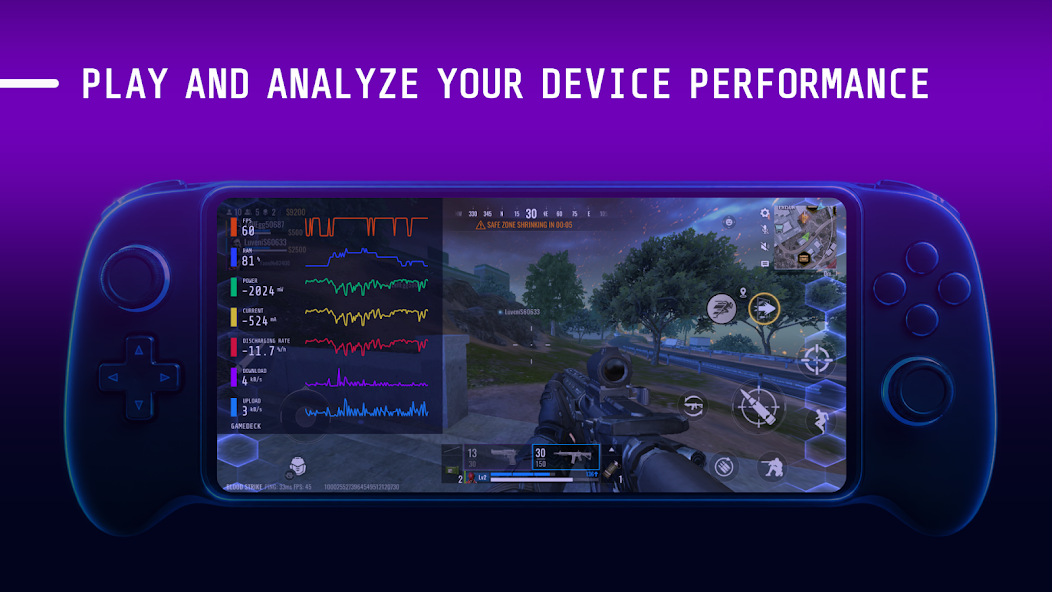
Looking for an alternative to stock launchers like Samsung Gaming Hub / Game Hub, Xiaomi Game Turbo and Game Space? Gamedeck gives you more control and a far better look.

Real reviews from Google Play.
★★★★★Best game launcher on Android I found so far. I bought the Pro version and use it on my new and old device.
★★★★★It looks just like a console UI. Really great even for free, and the price is not that expensive.
★★★★★Excellent launcher. Quick launcher switching is perfect with a controller for long sessions.
Yes. Gamedeck is free on Google Play, with an optional Pro upgrade through in-app purchase. No ads.
Yes. Navigation works with Bluetooth and USB gamepads.
It supports 100+ game console platforms for organizing ROMs, emulators and Android games.
Yes. It is a good alternative to Samsung Gaming Hub, Xiaomi Game Turbo and Game Space.
Join 500K+ mobile gamers and install Gamedeck.